How to Choose a CRM for a Small Business: A Practical Checklist
Before you compare feature lists, map your sales process. This step-by-step checklist helps small teams shortlist, trial and roll out a CRM people will actually use.
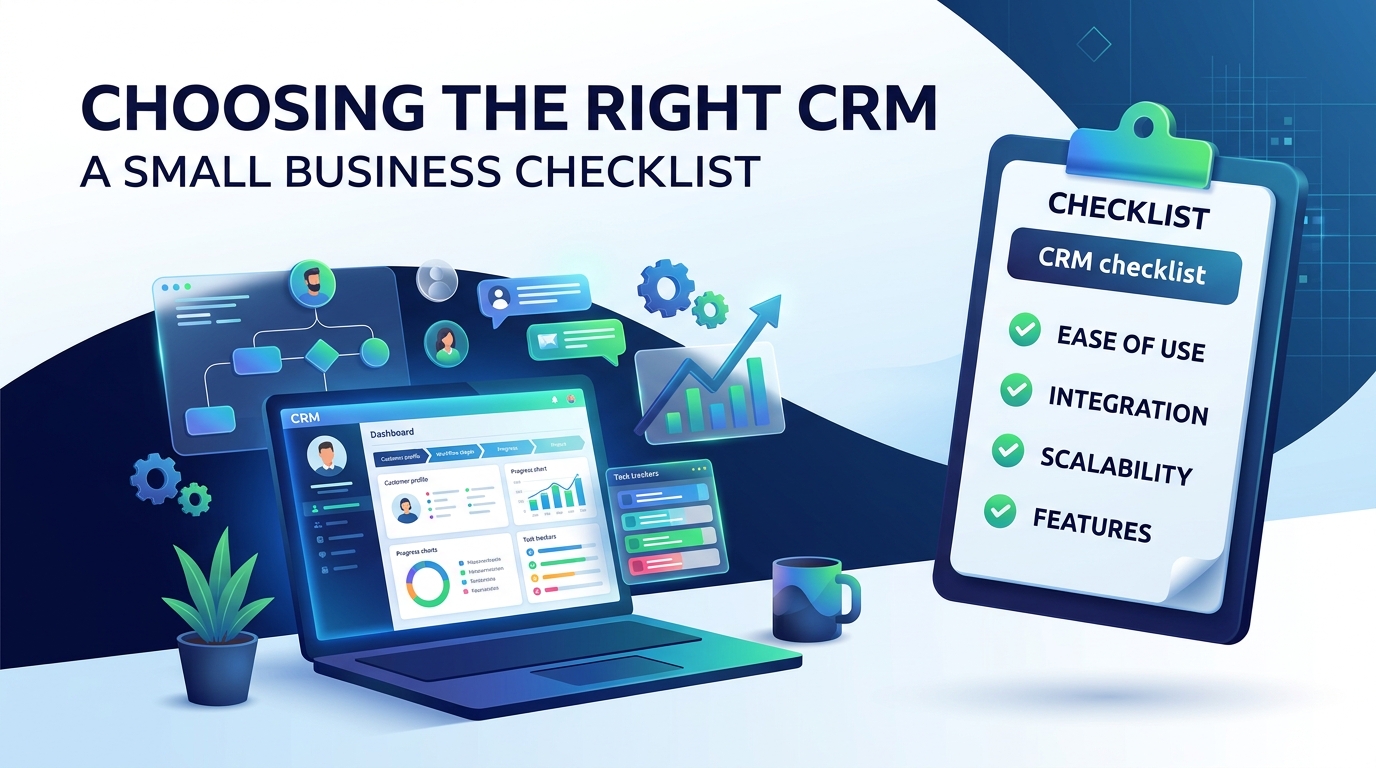
A customer relationship management (CRM) system keeps your contacts, deals and conversations in one place. The right CRM helps a small team follow up consistently and forecast revenue. The wrong one becomes an expensive, half-empty database. This checklist focuses on the decisions that matter most.
1. Map your sales process first
Write down the stages a typical deal goes through – for example: new lead → qualified → proposal sent → negotiation → won/lost. Note who does what at each stage and where things currently fall through the cracks. A CRM should fit this process, not force you into someone else’s.
2. List your must-have features
Separate essentials from nice-to-haves. Common must-haves for small businesses include:
- A visual pipeline you can customise
- Email integration and activity logging
- Task and follow-up reminders
- Simple reporting on pipeline value and win rate
- A usable mobile app if your team works on the move
3. Check integrations
List the tools the CRM must connect with: email and calendar, accounting or invoicing, your website forms, and any support or marketing tools. Native integrations are usually more reliable than workarounds, though automation platforms can fill gaps. Browse options in our automation directory.
4. Compare the real total cost
Per-user prices are only part of the picture. Consider:
- How price changes as you add users or contacts
- Which features sit in higher tiers
- Paid add-ons, onboarding fees and annual-only discounts
- The staff time needed for setup and data migration
Prices and plans change frequently, so confirm current details on each vendor’s website. Our ROI Calculator can help you compare the cost against expected gains.
5. Run a realistic trial
Shortlist two or three options from the CRM directory and trial them with real deals, not demo data. Ask the people who will use it daily to complete common tasks: adding a lead, logging a call, moving a deal and finding last week’s notes. The tool that feels quickest for them usually wins.
6. Plan data migration and adoption
- Clean your contact data before importing – remove duplicates and outdated records. Our Remove Duplicate Lines tool can help with simple lists.
- Agree on a few simple rules, such as “every deal has a next step and a date”.
- Start with the essentials and add automation once the basics are a habit.
7. Review after 90 days
Check whether the team is logging activity, whether pipeline reports are trusted, and whether follow-ups have improved. If adoption is low, simplify fields and stages before blaming the software.
Our articles are researched, fact-checked and reviewed by a human editor before publication. Spotted an error? Let us know. Read our editorial policy.