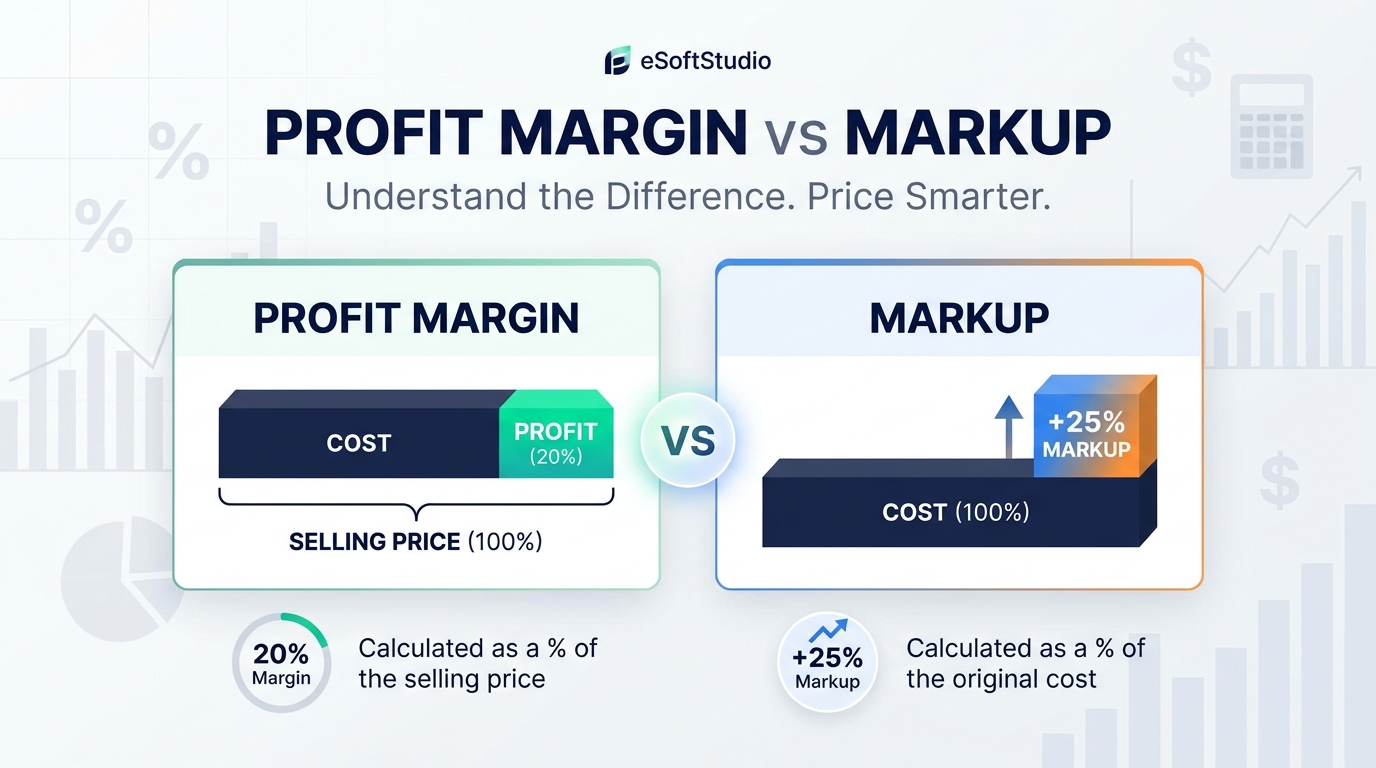
Profit Margin vs Markup: What’s the Difference and Why It Matters
Margin and markup describe the same profit from two angles. Mixing them up is one of the most common – and expensive – pricing mistakes small businesses make.
Create a clean, professional invoice in minutes – no account required. Add your business and client details, line items, tax and discount, then print it or save it as a PDF from your browser. Your draft is saved on this device only.
Two items – 10 hours of consulting at $120 and a $300 setup fee – with 10% tax give a subtotal of $1,500, tax of $150 and a total due of $1,650.
Subtotal is the sum of quantity × unit price for every line. A percentage discount is applied to the subtotal, and tax is then calculated on the discounted amount. Check local requirements: many countries require specific details on invoices, such as a tax or VAT registration number, a sequential invoice number and the supply date.
Margin and markup describe the same profit from two angles. Mixing them up is one of the most common – and expensive – pricing mistakes small businesses make.
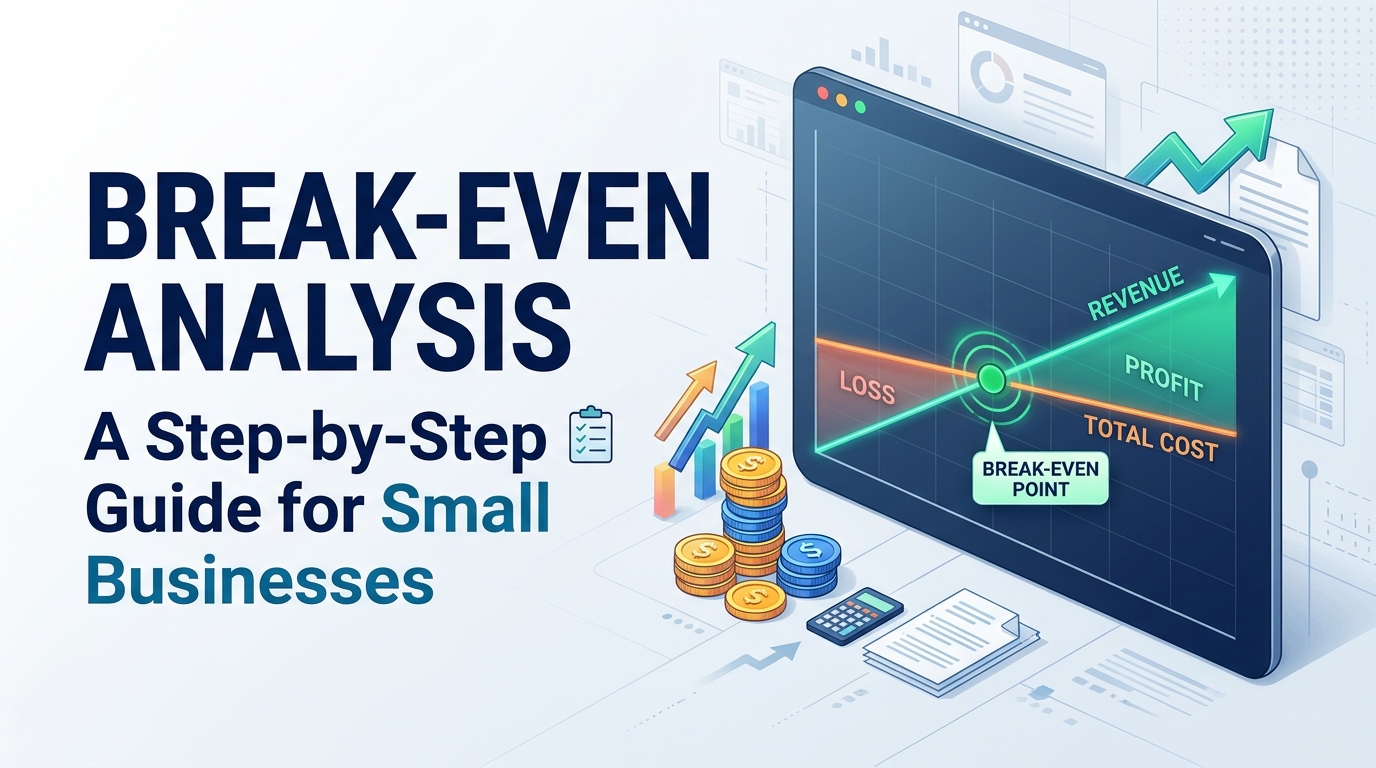
How many sales do you need to cover your costs? Learn the break-even formula, work through an example and use the result to test prices and plans.